
Open your inbox straight from the client portal, without typing the email password.
Open your inbox in one click
- Log in at my.hostbring.com and click Email, then Email addresses.
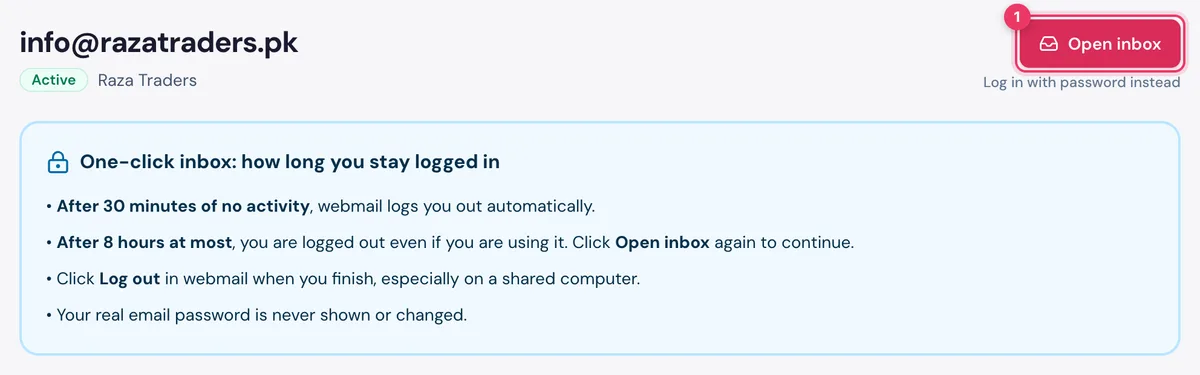
- Click Open inbox next to the address, or open the address and click Open inbox at the top.
- Your inbox opens in a new tab, already logged in.
NoteYour browser may ask to allow pop-ups for my.hostbring.com the first time. Click Allow, then click Open inbox again.
How long you stay logged in
- After 30 minutes of no activity, webmail logs you out automatically.
- After 8 hours at most, you are logged out even if you are using it. Click Open inbox again to continue.
- Click Log out in webmail when you finish, especially on a shared computer.
- Your real email password is never shown or changed.
TipYou can still log in at webmail.hostbring.com with the email password, and mail apps keep working as before. Click Log in with password instead under the button.
Let our support team check your inbox
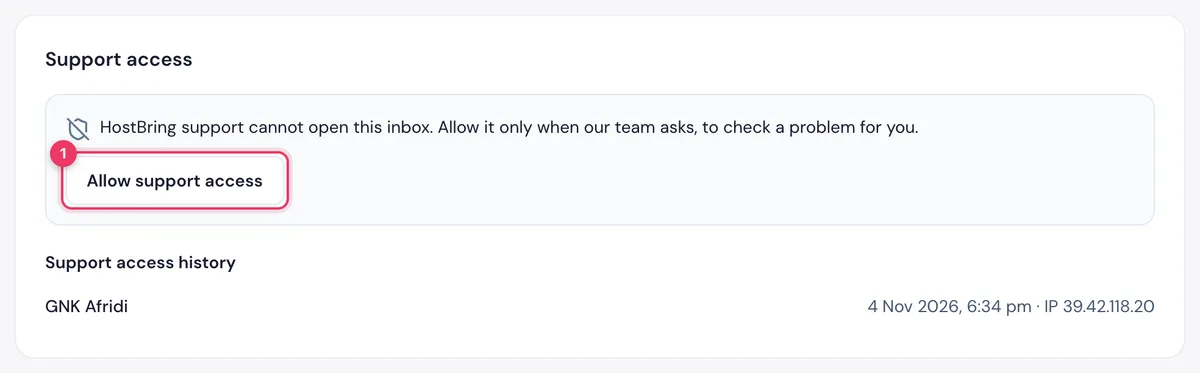
Our team can't open your inbox unless you allow it. Do this only when we ask, to check a problem for you.
- Open the address in the portal.
- Under Support access, click Allow support access.
- Choose 1 hour or 24 hours, then click Allow.
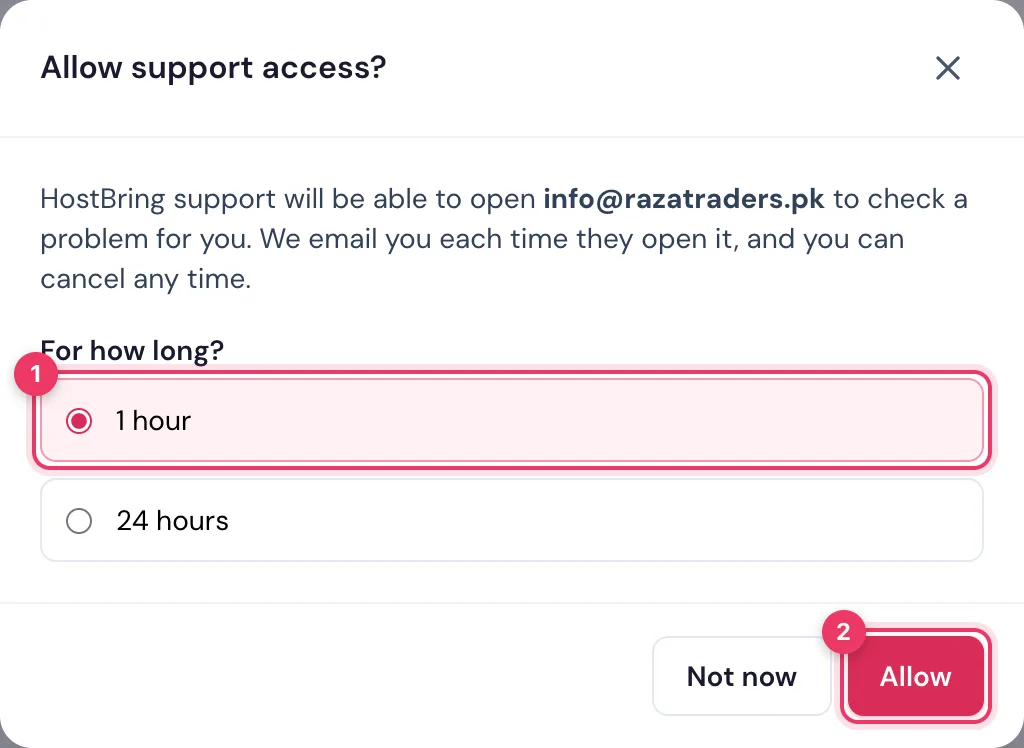
We email you each time our team opens the inbox. Support access history shows who opened it, when, and from which IP. To stop it early, click Cancel access now: our team is logged out at once.
