
You can read your HostBring email in the Gmail app on Android. Your address stays a HostBring address; Gmail just shows it.
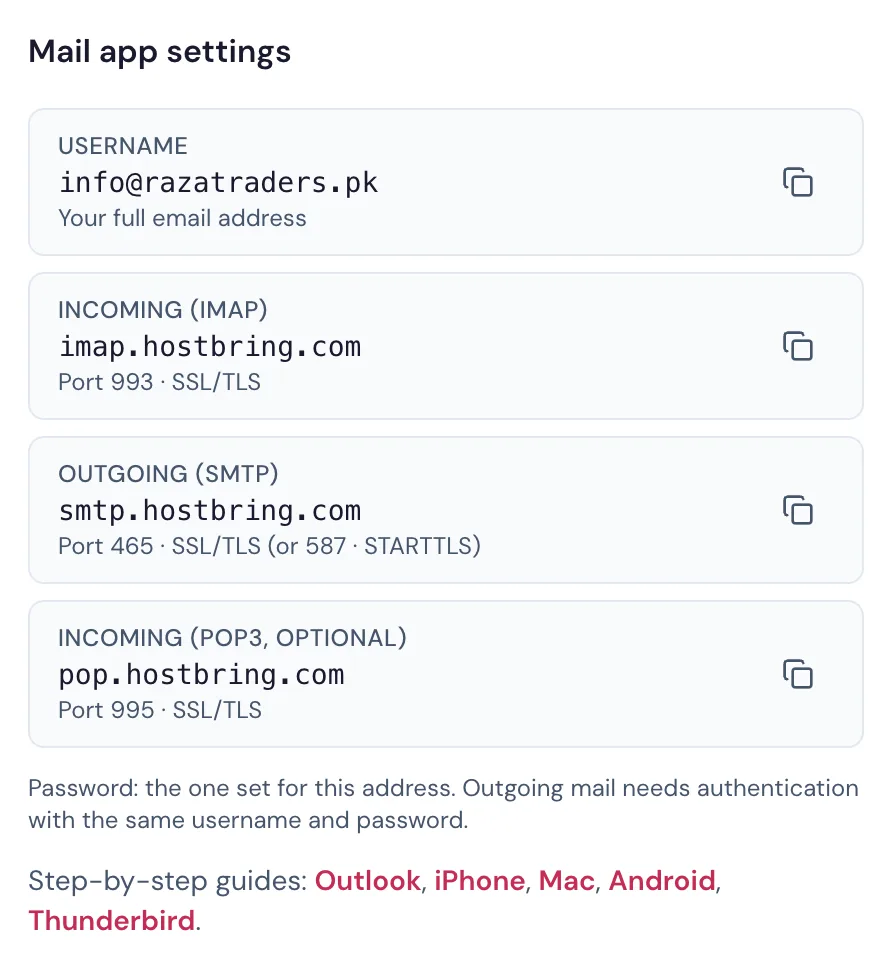
Every setting is also on your address page in the portal (Email → Email addresses, then the address), with copy buttons:
Add your account
- Open the Gmail app and tap your profile picture, then Add another account.
- Choose Other.
- Type your full email address and tap Manual setup.
- Choose Personal (IMAP).
- Enter your password and tap Next.
- Incoming server settings:
| Setting | Value |
|---|---|
| Username | your full email address |
| Server | imap.hostbring.com |
| Port | 993 |
| Security type | SSL/TLS |
- Outgoing server settings:
| Setting | Value |
|---|---|
| Require sign-in | On |
| Username | your full email address |
| SMTP server | smtp.hostbring.com |
| Port | 465 |
| Security type | SSL/TLS |
- Choose how often to sync, then tap Next to finish.
